Vehicle audio solutions since 2001


We also offer installation & fitting support. Ask us about fitting.
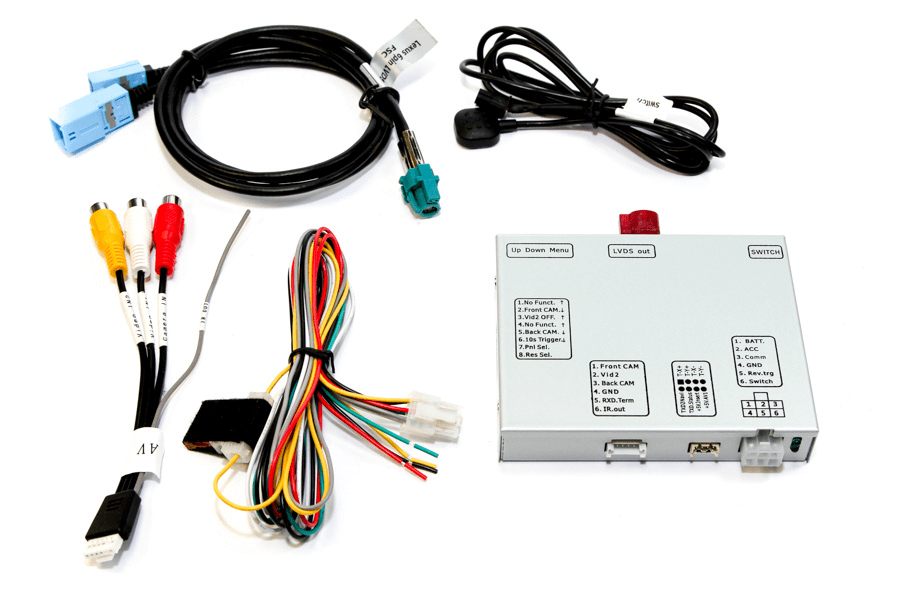
Add an aftermarket front-view camera, reversing camera or compatible video source to the original touchscreen navigation display in selected Jaguar XF X250 2007–2011 models.
Designed for vehicles with factory-fitted touchscreen navigation version 1.1 and Menu 2, this video interface provides one dedicated reversing-camera input and two additional CVBS video inputs. It supports automatic camera display when reverse gear is selected.
PLEASE NOTE: NTSC cameras and video sources only. The vehicle must be displaying the factory navigation map for the inserted camera or video image to appear.
Add an aftermarket front-view camera, reversing camera or compatible video source to the original factory touchscreen in selected Jaguar XF X250 models.
This video interface is designed for Jaguar XF X250 vehicles manufactured from 2007 to 2011 with the factory-fitted touchscreen navigation version 1.1 system and Menu 2. It inserts compatible NTSC video signals into the vehicle’s original navigation display without replacing the factory screen.
The interface provides one dedicated reversing-camera input and two additional CVBS video inputs. When correctly installed, it can automatically display the aftermarket reversing camera when reverse gear is selected.
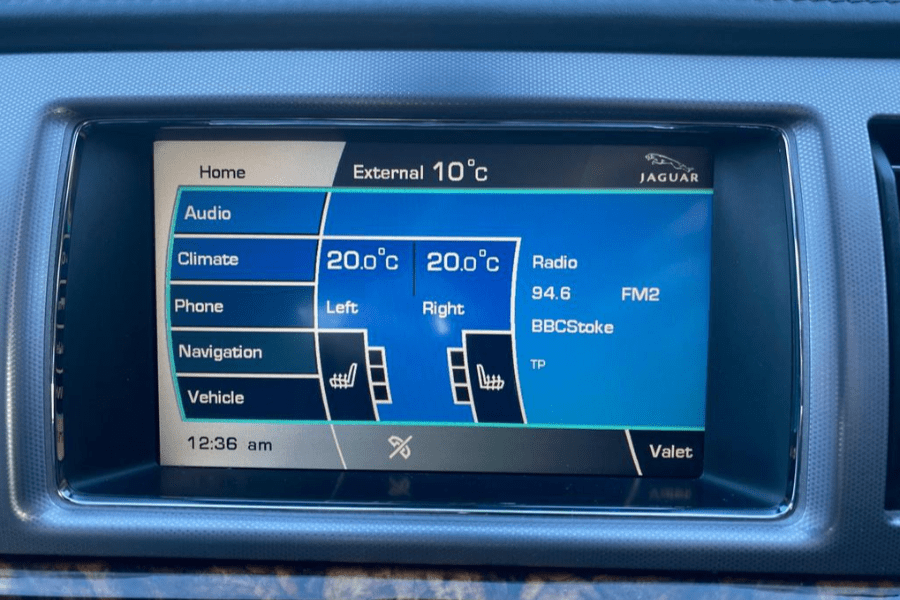
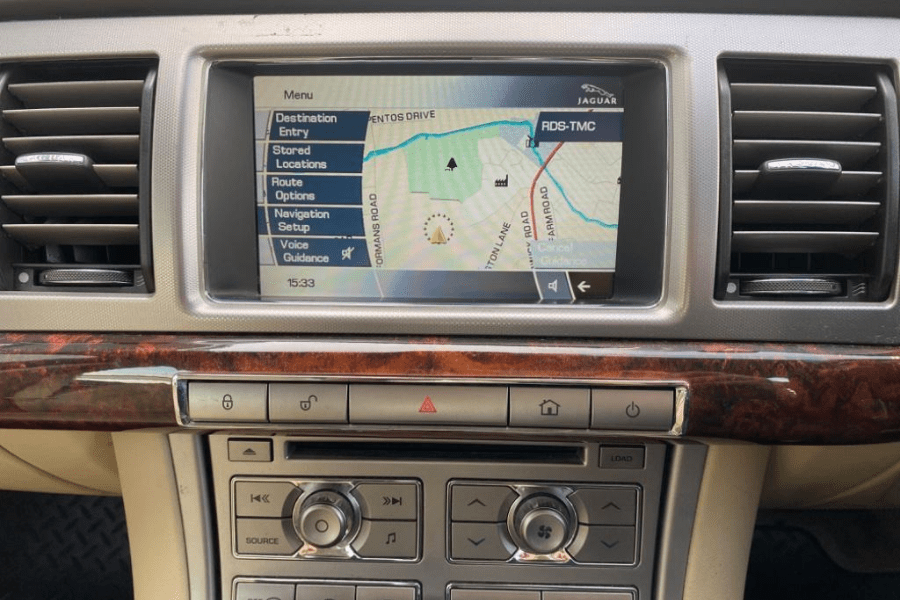
Important: The factory system must be displaying the navigation map for the aftermarket camera or connected video source to appear. The camera image will not be displayed while the system is in radio or another non-navigation mode.
This interface inserts compatible aftermarket video signals into the original Jaguar touchscreen navigation display.
It can be used to add an aftermarket reversing camera, a front-view camera or other compatible CVBS video equipment while retaining the vehicle’s factory infotainment screen.
Jaguar:
Compatible only with vehicles equipped with the original factory touchscreen navigation version 1.1 system and Menu 2.
The vehicle must have factory navigation. Check the original touchscreen menu, vehicle production year and infotainment specification before ordering.
The two additional inputs may be used for compatible equipment such as a front-view camera, media player or television tuner.
Only the required inputs should be enabled during installation. Inputs that are disabled will be skipped when switching between sources.
When correctly connected and configured, the interface automatically changes to the dedicated camera input when reverse gear is engaged.
A suitable reverse-gear switching signal is required. Because the supply from a reversing light may not always be voltage-stable, a suitable relay or signal filter may also be required.
On compatible Jaguar vehicles, automatic switching to the aftermarket reversing camera is only available while the factory infotainment system is in navigation map mode.
The inserted camera or video image can only be viewed while the factory touchscreen is displaying the navigation map.
If the factory infotainment system is displaying the radio, audio menu or another non-navigation screen, the aftermarket reversing-camera image will not appear.
This limitation also applies when the interface automatically switches to the dedicated camera input after reverse gear is selected.
The interface housing includes controls for adjusting the picture displayed by compatible connected video sources.
A working video source must be connected and displayed before the on-screen picture-adjustment menu can be viewed.
The supplied external keypad can be used to cycle through the enabled video inputs and return to the original factory display.
If both additional inputs are enabled, the switching sequence is normally factory display, Video IN 1, Video IN 2 and then back to the factory display.
An external switching signal can also be connected during a suitable custom installation. The external keypad should remain connected even if it is concealed after installation.
This interface inserts video signals only. It does not insert or transmit audio into the factory infotainment system.
If a connected video source also requires sound, audio must be connected separately through a compatible factory AUX input or another suitable audio solution.
The interface connects at the rear of the factory monitor and requires access to the vehicle’s original infotainment wiring.
Installation involves electrical connections, interface configuration and routing the camera and video cables. A test installation should be completed before the dashboard is fully reassembled.
The installer should confirm that the interface powers down correctly after the vehicle enters sleep mode.
Professional installation by an experienced vehicle electronics or car-audio technician is strongly recommended.
Confirm the factory navigation version and touchscreen menu before ordering. Similar-looking factory systems may use different connections and may not be compatible.
Moving video must not be viewed by the driver while the vehicle is being driven. Connected video equipment should be used only where safe and legally permitted.
While the vehicle is moving, the display should be used only for appropriate fixed menus, navigation information or camera images that assist safe vehicle operation.
Brand: InCarTec
Car models: The years stated refer to the model's years of manufacture, please check the item description for information about any changes there may be within these productions years.
Jaguar - XF (X250) (2008 - 2015)
Jaguar - XK (X150) (2006 - 2014)
© Copyright 2026 InCarTec. All Rights Reserved