Vehicle audio solutions since 2001


We also offer installation & fitting support. Ask us about fitting.
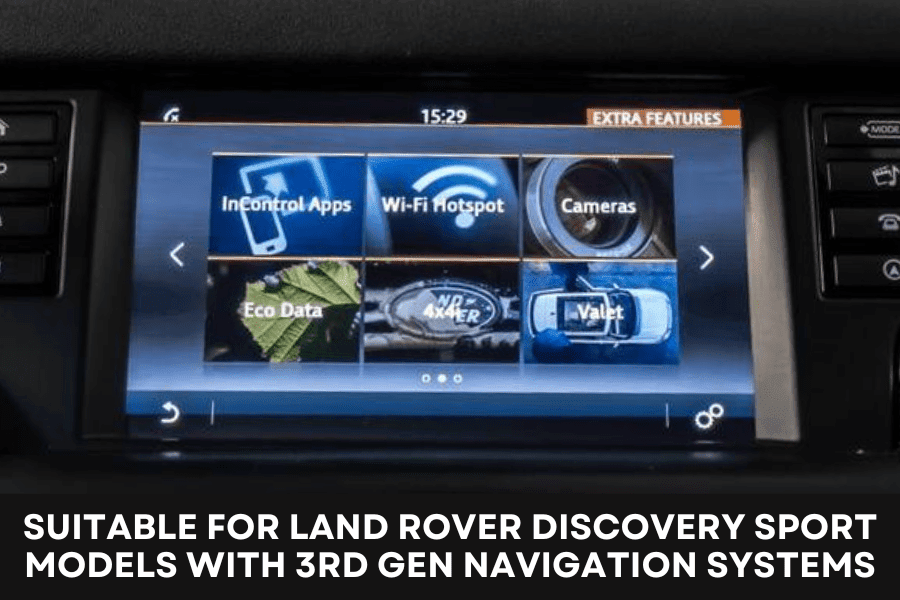
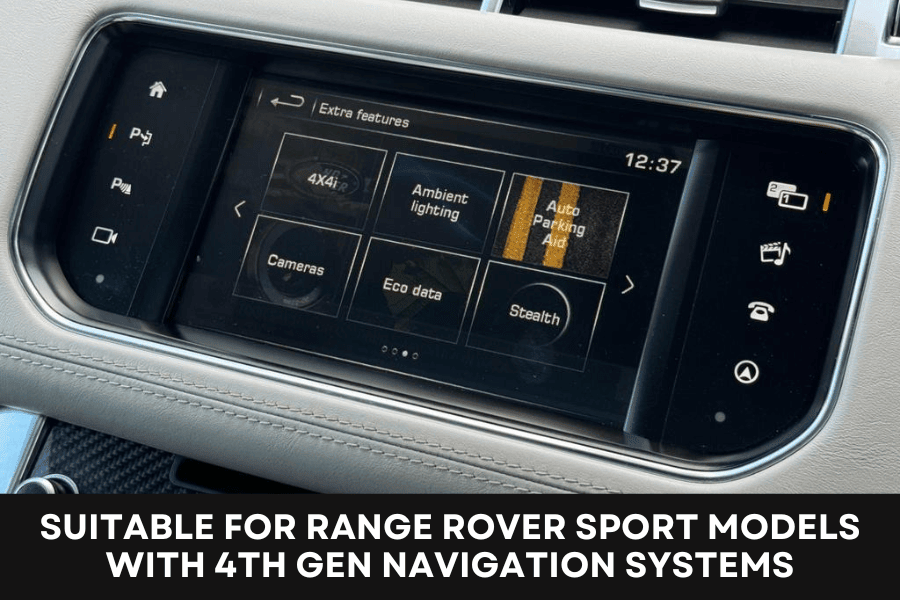
Add an aftermarket NTSC reversing camera to the original 8-inch touchscreen in selected 2015–June 2016 Land Rover vehicles with fourth-generation factory navigation.
The plug-and-play Quadlock interface automatically displays the camera when reverse gear is selected while retaining the original head unit. Suitable for selected Discovery 4, Range Rover Evoque, Range Rover Sport and Range Rover Vogue models without an existing factory camera.
PLEASE NOTE: This interface does not provide dynamic parking guidelines or integrate the factory optical parking display into the camera image.
Add an aftermarket reversing camera to the original factory touchscreen in selected Land Rover Discovery 4, Range Rover Evoque, Range Rover Sport and Range Rover Vogue models.
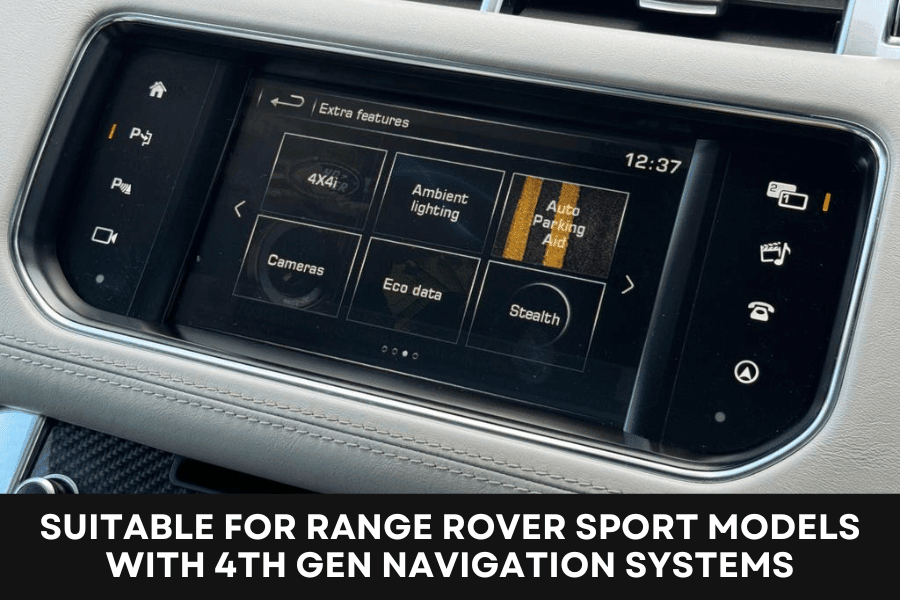
This interface is designed for compatible vehicles manufactured from 2015 to June 2016 with the fourth-generation 8-inch factory touchscreen navigation system. When correctly installed, the original display automatically changes to the aftermarket reversing-camera image when reverse gear is selected.
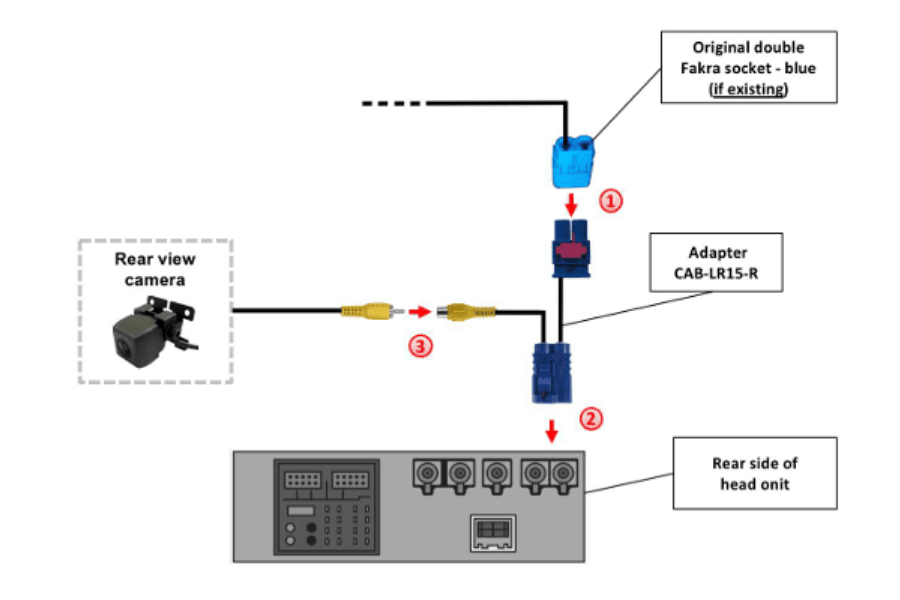
The vehicle-specific Quadlock harness connects behind the original head unit. The supplied camera adapter connects through the blue double-Fakra connection, providing a standard female RCA socket for the aftermarket camera.
Important: This interface is designed for compatible vehicles without an existing factory-fitted reversing camera. It supports NTSC cameras only and does not provide dynamic parking guidelines or integrate the vehicle’s factory parking display into the camera image.
This camera interface activates and provides an aftermarket reversing-camera input on compatible fourth-generation Land Rover touchscreen navigation systems.
It allows the original factory head unit and 8-inch touchscreen to be retained while adding an automatically activated rear-view camera.
Land Rover:
Vehicles must have the compatible fourth-generation 8-inch factory touchscreen navigation system.
Compatibility cannot be determined from the vehicle model or registration year alone. Check the original head unit, screen and rear connections before ordering.
Similar-looking factory systems may use different connections or interface technology. Visually confirm the rear connections before ordering.
When reverse gear is selected, the interface instructs the original navigation system to change automatically to the aftermarket reversing-camera input.
The camera image is displayed through the vehicle’s original 8-inch touchscreen. When reverse gear is disengaged, the display returns to the previously selected factory function.
Camera operation is coded and controlled through the supplied CAN-bus interface.
The supplied camera adapter connects in line with the blue double-Fakra connection on the rear of the factory head unit.
If an original double-Fakra socket is present, it is disconnected from the head unit and connected to the adapter. The adapter then connects to the blue double-Fakra port on the factory head unit.
The aftermarket reversing camera’s male RCA video plug connects to the female RCA socket on the adapter.
This interface provides a single reversing-camera input only.
It does not generate dynamic parking guidelines and does not overlay or integrate the vehicle’s original optical parking-sensor display onto the camera image.
Any fixed parking guidelines must be generated by the aftermarket camera itself. Camera-generated guidelines depend on the specification of the camera being installed.
The interface includes video-in-motion functionality for compatible original factory DVD or television equipment.
The function may be configured for permanent activation or controlled selectively using an additional switch connected to the supplied green wire.
The optional switch is not included. This functionality applies only to supported original factory video equipment and does not add an additional aftermarket video input.
The interface is installed at the rear of the factory head unit.
The vehicle’s original Quadlock connector is removed from the factory head unit and connected to the male Quadlock connector on the supplied interface harness. The female Quadlock connector on the interface harness then plugs into the original head unit.
The camera adapter connects in line with the blue double-Fakra connection. The aftermarket camera’s video cable then plugs into the female RCA socket on the adapter.
The correct interface DIP-switch settings must be selected for camera activation and the required video-in-motion configuration.
Vehicle wiring colours and connector assignments can change during production. All connections must be tested and confirmed by the installer.
Professional installation by an experienced vehicle-electronics or car-audio technician is strongly recommended.
Check the vehicle model, production date, factory navigation generation, screen size and original connections before ordering.
Moving video must not be viewed by the driver while the vehicle is being driven. The driver must remain focused on the road at all times.
Video-in-motion functionality should only be used by passengers where legally permitted. While driving, the screen should only display suitable fixed menus, navigation information or reversing-camera images that assist safe vehicle operation.
Brand: InCarTec
Car models: The years stated refer to the model's years of manufacture, please check the item description for information about any changes there may be within these productions years.
Landrover - Discovery IV (LR4) (2009 - 2016)
Landrover - Range Rover Evoque 1st Gen (L538) (2011 - 2018)
Landrover - Range Rover Sport (L494) (2013 - 2022)
© Copyright 2026 InCarTec. All Rights Reserved